

Managing backlog
Track types, dates, and status in a collection built for delivery work — without adopting a heavyweight issue tracker.
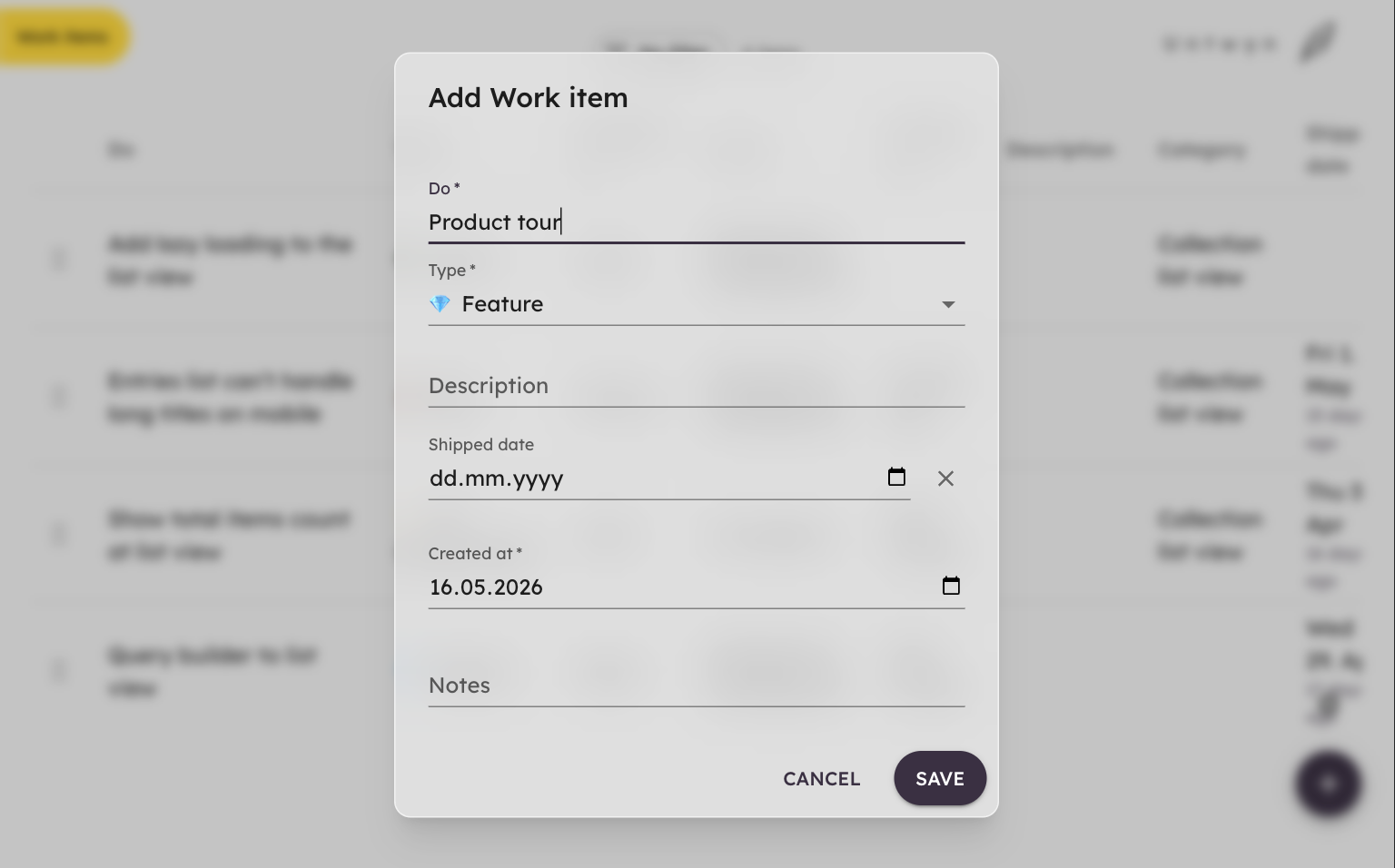
What you will see
The template loads a product-style backlog: work items with types, relative dates, and fields you can filter and sort in the entries list.
Use it as a starting point for your own process — keep what helps, rename what does not, and add fields your team actually discusses.
Lightweight, still structured
You get enough structure to prioritize and report without mandatory workflows, custom issue types, or per-seat pricing for basics.
Pull slices of the backlog onto a planning view when you need a visual snapshot for planning or review.