

Entries list
Browse, filter, and edit the records in a collection in a view built for structured operational data.
Working with entries
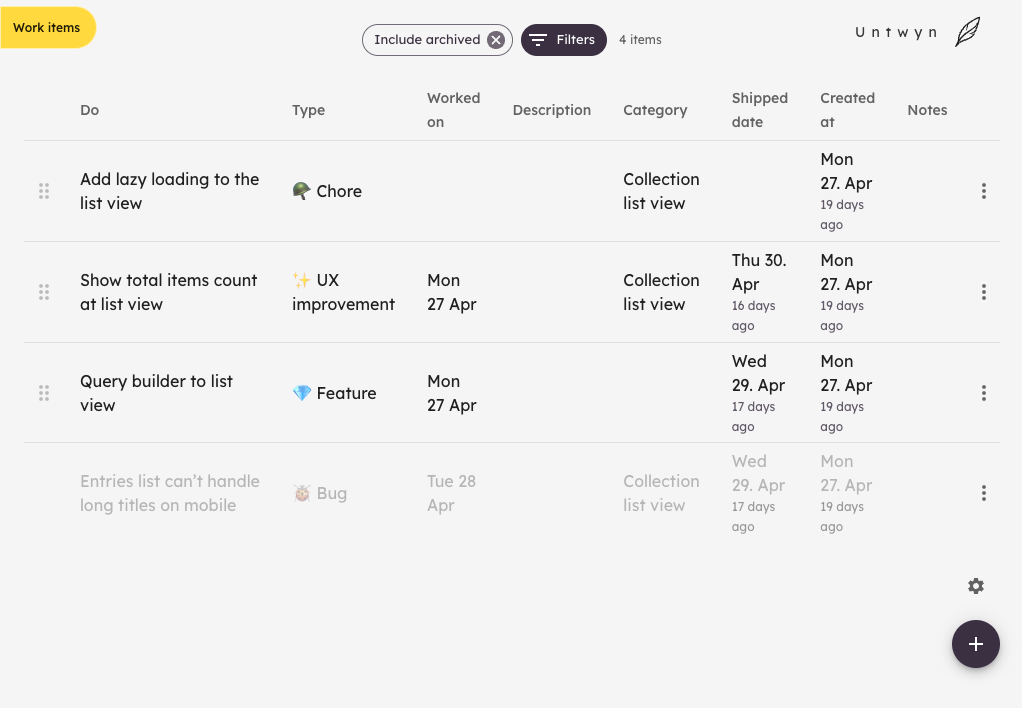
The entries list is your day-to-day surface for a collection: scan what you have, open an entry to edit details, and add new rows as work comes in.
Columns reflect your schema, so you always see the fields you defined. The filter allows you to configure which fields are visible in the table. This setting is specific to your device and won't affect other members of your team.
Find what you need
Filter by the properties that matter for the moment: status, owner, date, priority, or any custom field.
Relative dates and compact layouts help you spot what is stale, what is due soon, and what needs attention without opening every item.
From list to canvas
Entries in a collection can feed charts, grids, and references on a planning view. The list stays the source of truth; the canvas is where you arrange context around it.